 POTLOCK
How to Donate Directly to a Project on POTLOCK
2025-09-22 · 4 min read
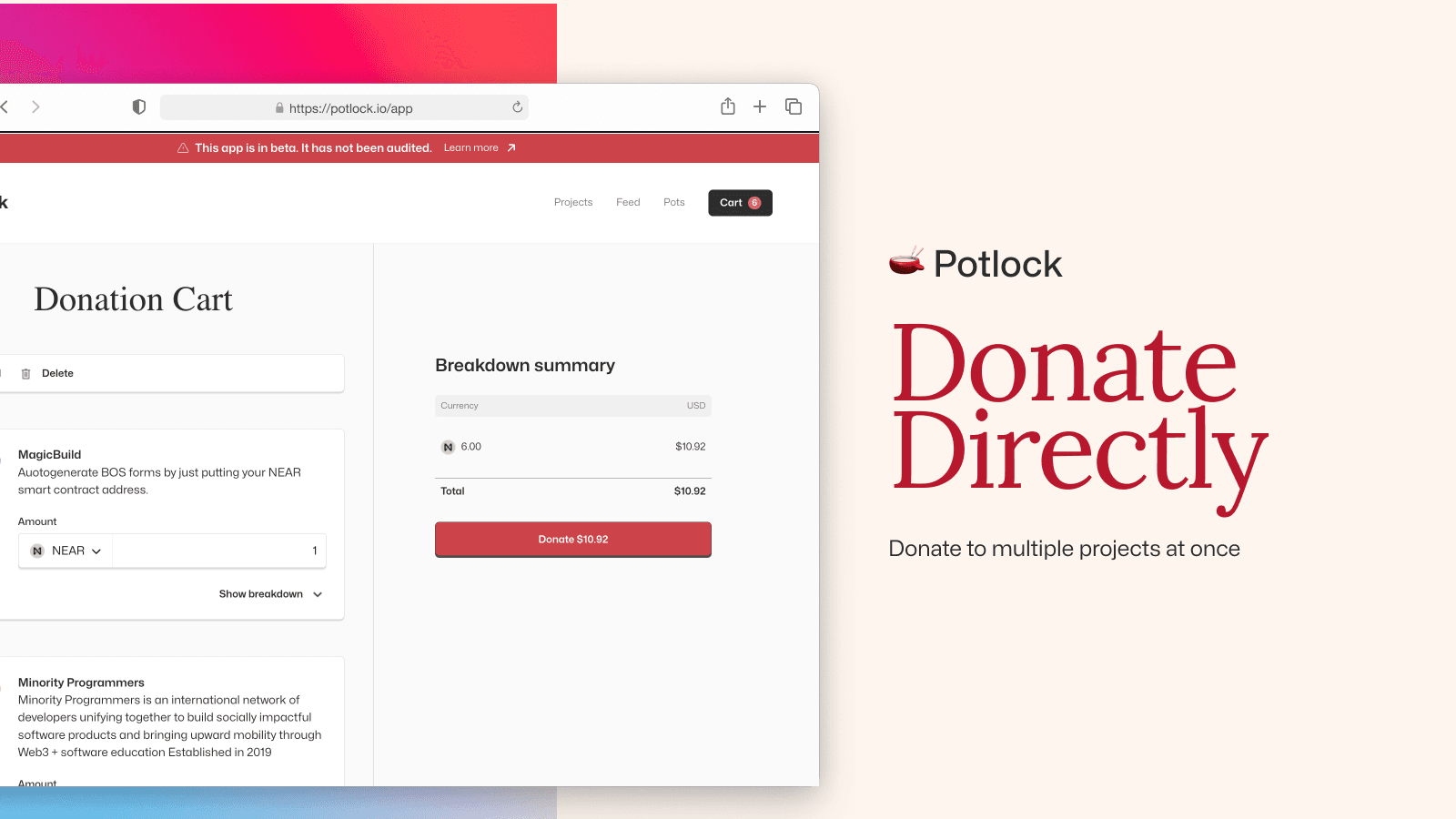
Donating directly is different from donating through a pot (matching round). Go to the project explore page, click a project, and add to cart. Add multiple projects, then open the cart and click "Proceed to donate." Default is 1 NEAR per item; you need at least 0.1 NEAR per project. Use "Donation breakdown" for fees. View transactions on nearblocks.io.
NEAR: sign in and pay from balance
For NEAR donations you sign in with your NEAR wallet and transact directly from your balance—no QR code. Add to cart and proceed to donate; the amount is deducted from your NEAR balance. Alternatively you can donate via QR code (cross-chain, settle in NEAR); see the NEAR donation guide at docs.potlock.org/docs/user-guides/donate-by-chain/donate-near.
Fungible token donations
You can donate USDC, memecoins, etc. Use the dropdown where it says NEAR to select tokens. Storage may cost ~10 cents. For matching rounds see docs.potlock.org.